
To create profitable advertising campaigns, it is necessary to carefully approach the selection of keywords: check before launching if there is search output for these words and which domains are displayed for this word, so that the advertising budget is not wasted.
Keyword Searcher tools are designed to automate the process of checking and selecting keywords. This group of tools helps the buyer save time on searching for words in relation to actions performed manually, without automation tools.
The buyer does not need to go into a separate word search tool, create an advertising link, and check it from the required device under VPN. It is enough to upload a list of words or domains to the Keyword Searcher tools, select a partner, market, and devices, and the script will check the output itself and show how many advertising sites are displayed for each keyword option. These tools allow you to save working time and create the most effective advertising campaigns.
In the market, there are companies similar to ours that are engaged in search arbitration and place advertising on their sites. The goal of an arbitrator is to earn on the difference between the cost of bought and sold traffic, so they try to buy traffic as cheaply as possible. Thus, the RPC of such advertising campaigns will be lower, and if you use keywords popular among affiliates in your ads, the revenue of the buyer will also be reduced.
To obtain greater revenue from advertising campaigns, when searching for words, preference should be given to words for which the search output shows a minimal number of arbitrator sites or they are absent altogether. The tools combined in the Keyword Searcher section will help the buyer select the appropriate keywords to take into work and check the output (headlines, descriptions, compiled by advertisers) for the already selected words according to the necessary parameters.

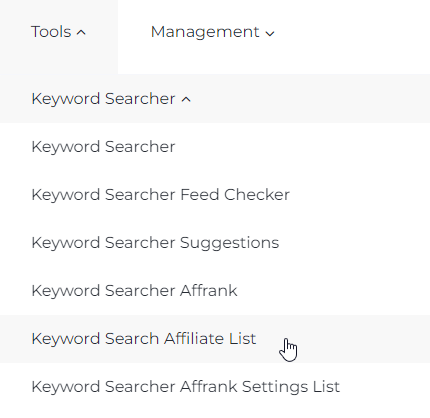
In the Keyword Search Affiliate List section, you can find a list of affiliate sites collected during the analysis of search output. The tool is located in the Tools section - Keyword Searcher - Keyword Search Affiliate List:
If there are doubts about the quality of a site during the keyword checking process, you can check its presence in this list of arbitrators.
How to determine if a domain is an affiliate (arbitrator)? Unlike regular sites that advertise their own product or service and contain the name of their product in the domain name, affiliate sites host a variety of information not related to a single brand or product, and they can often be distinguished by the presence of a search bar in the visible area::
example 1:
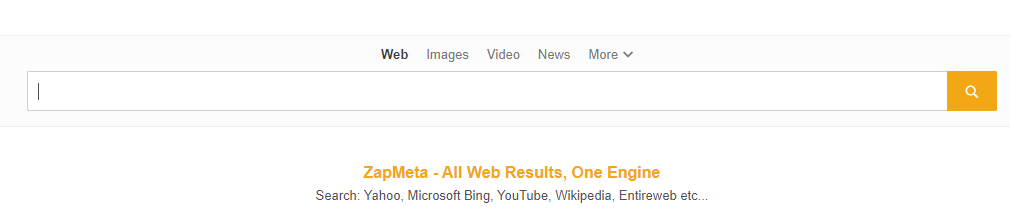
example 2:

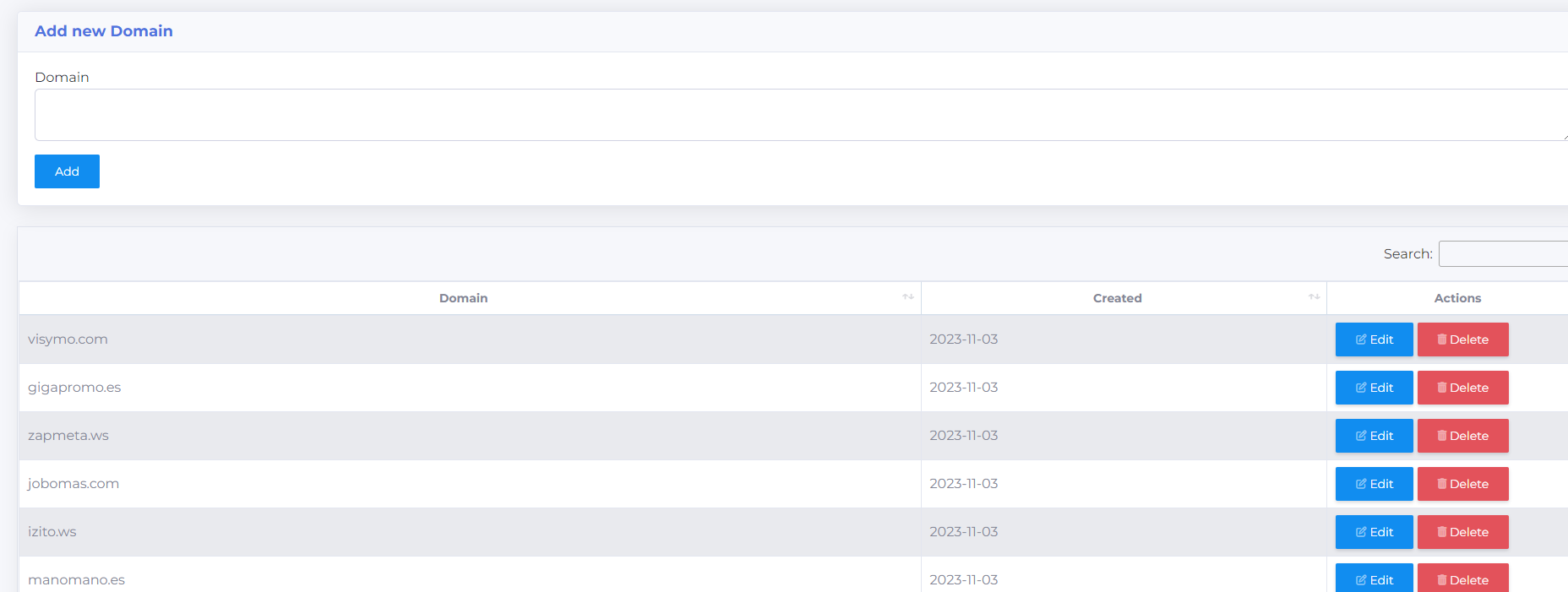
To add a new domain to the list, enter the site address in the Domain field at the top of the page and click Add. If you need to change or remove a domain from the list, click Edit or Delete opposite the domain:

In the search field, you can search domains by name and date added:
