
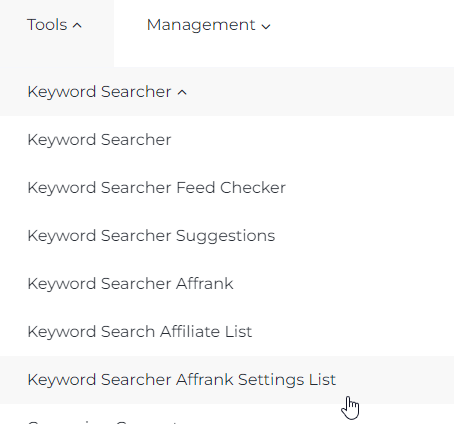
In this section, you will find the AffRank (Affiliate Rank) settings. Here, the user can select how many affiliate sites will be displayed in the domain search results based on the given search parameters. The tool is located in the Tools section - Keyword Searcher - Keyword Search AffRank Settings List:
The AffRank parameter consists of two numbers separated by a slash. The second number is the total number of sites in the search results. The first number is the number of "good" (non-arbitrage) domains in the search results out of the total number.
The maximum number of ad blocks in the search results is 5. Accordingly, the number of sites in the tool's search results can also range from 0 to 5.
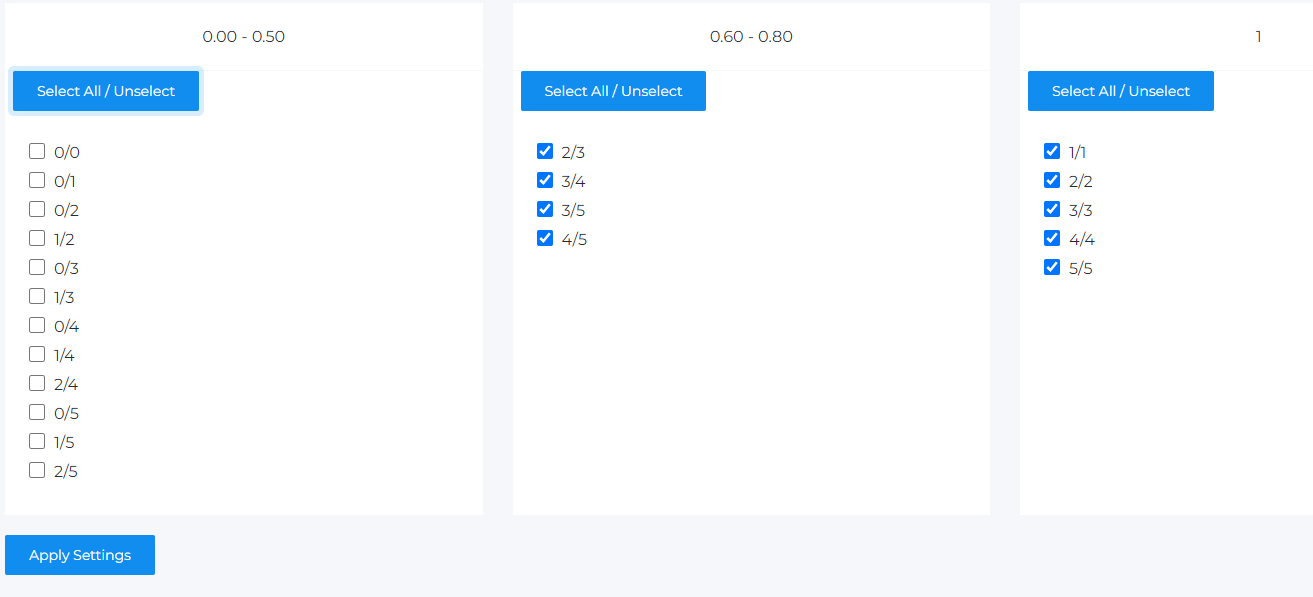
Thus, if the AffRank parameter in the search results contains a value of 5/5 – it means that all five of the found domains are high-quality commercial domains. If it indicates 1/5 – one domain out of five is operational, the remaining four are used for traffic arbitrage.
The section contains three blocks, each of which indicates the percentage of high-quality sites in the overall search results:
- From zero to 50% of the found domains
- From 60 to 80% of the found domains
- 100% of the found domains
The output of keywords in the selection will change depending on the number and options of the marked settings.